
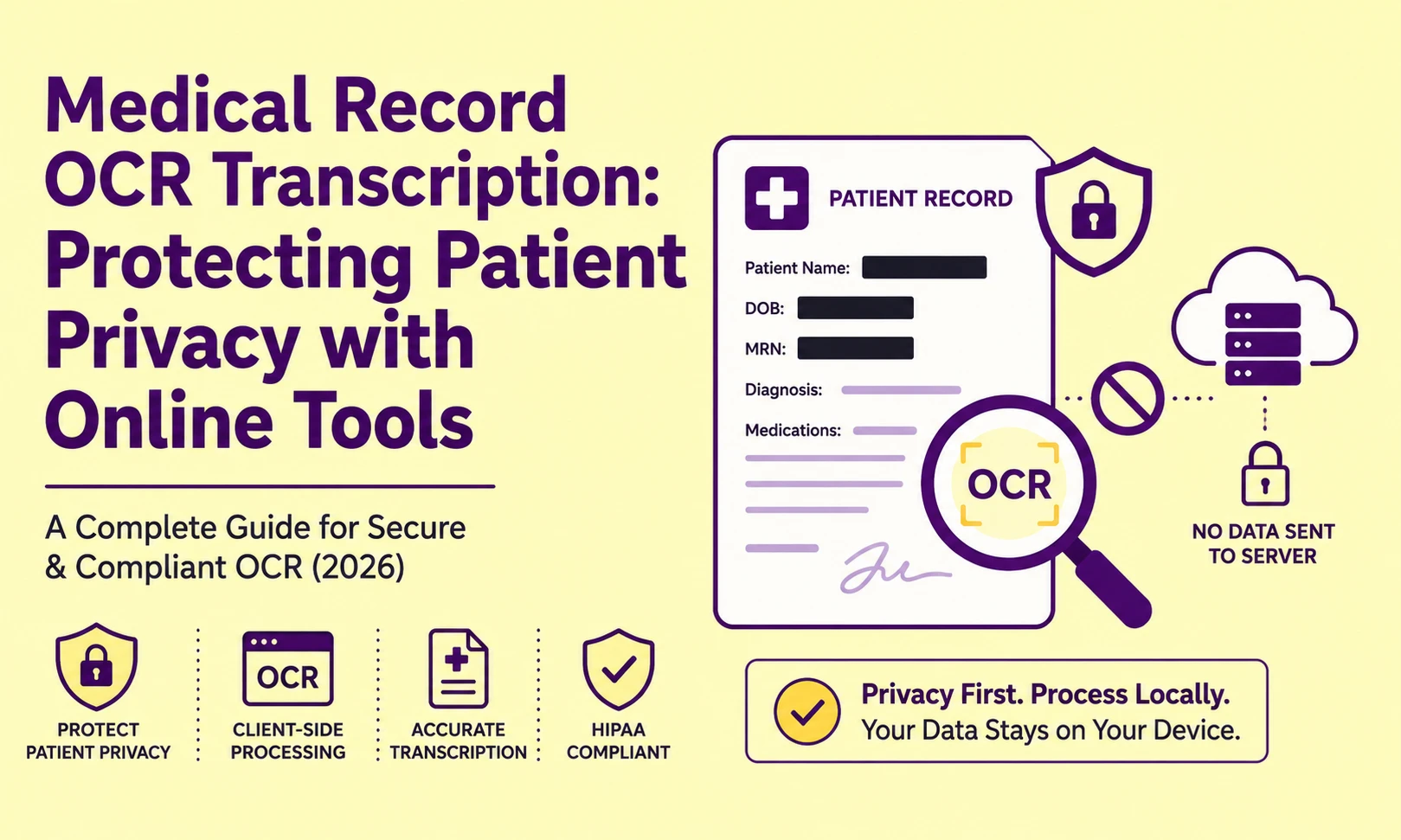
A health administrator who uploads a scanned patient chart to a generic cloud-based OCR API has already transmitted Protected Health Information (PHI) to an external server, potentially violating HIPAA's Minimum Necessary Standard, before a single character has been extracted. The privacy breach does not happen at the output stage. It happens the moment the image file leaves the local device boundary.
This distinction is not a legal technicality. It is the architectural line that separates a compliant medical document digitization workflow from one that creates institutional liability. Understanding precisely where your data travels during OCR processing, and choosing tools engineered to keep it local, is the foundational decision every medical administrative professional must make before touching a single patient file.
Client-Side vs. Server-Side OCR: The Architectural Divide That Defines Your Risk
The single most important technical question to ask about any OCR tool handling medical data is: where does the image processing execute?
There are two fundamentally different processing architectures, and they carry vastly different privacy risk profiles.
Client-Side JavaScript OCR (Browser-Local Processing)
Client-Side OCR executes the entire character recognition pipeline inside the user's own browser environment using JavaScript and WebAssembly engine modules. The image file is loaded into local browser memory (RAM), processed by a locally-running recognition engine, and the extracted text string is returned to the user interface, all without a single byte of image data leaving the device.
From a network traffic perspective, Client-Side OCR is architecturally identical to running a desktop application. No image payload is transmitted to any external endpoint. The server that delivered the web page receives no document content, only standard page-load requests.
This is the only architecture that is categorically safe for processing unredacted patient data in an online tool context.
Cloud API OCR (Server-Side Processing)
Cloud API OCR transmits the full image file as a binary payload to a remote server endpoint, where the recognition engine executes on server hardware, and the extracted text string is returned via API response. The user's document, complete with patient names, diagnosis codes, insurance numbers, and prescription details, travels across the public internet and is temporarily resident in server memory, and in many cases, is written to server-side logs.
This architecture is operationally efficient and typically delivers higher recognition accuracy due to access to larger compute resources. For general business documents, it is entirely appropriate. For medical records containing PHI, it introduces a data transmission event that requires explicit HIPAA Business Associate Agreement (BAA) coverage with the tool provider, a contractual relationship that most generic online OCR services do not offer.
How Generic Cloud OCR Models Use Your Document Data for Training
This is the disclosure that most generic OCR platform terms of service bury in Section 14 of their data usage policy, and that almost no user reads before uploading their first document.
Many cloud-based recognition services operate on a continuous model improvement pipeline in which uploaded documents, including the image content and the extracted text corrections made by users, are fed into machine learning training datasets. Under default account configurations, your uploaded invoice, form, or chart becomes a labeled training sample for the next model iteration.
For non-PHI business documents, this is a standard and well-understood trade-off. For a patient's psychiatric evaluation, oncology report, or HIV status disclosure, it represents an unauthorized secondary use of Protected Health Information under 45 CFR §164.502, the HIPAA Privacy Rule's minimum necessary and purpose limitation requirements.
The opt-out mechanism exists in most major platforms, but it is accessed via API configuration parameters (data_retention=false, training_opt_out=true, or equivalent flags), settings that are never surfaced in the default web interface and are unknown to the typical administrative user uploading documents manually.
The operational takeaway: if a tool does not explicitly state "your uploaded data is never used for model training and is deleted from server memory immediately after processing," assume the opposite is true until you have reviewed the full data processing addendum.
You can also Read: Introduction To OCR and How Image to Text Technology Works (Beginner Guide 2026)
The PHI Exposure Surface in a Standard Medical Chart Scan
Understanding which specific data elements in a medical chart constitute PHI under the HIPAA Safe Harbor de-identification standard (45 CFR §164.514(b)) helps you make targeted redaction decisions before any document leaves your local environment.
The following 18 PHI identifiers are explicitly listed under the Safe Harbor standard. Any one of them appearing in an uploaded scan creates a compliance exposure:
|
PHI Identifier Category |
Common Appearance in Scanned Charts |
|
Patient name |
Header, signature blocks, prescription labels |
|
Geographic data (below state level) |
Address fields, county, ZIP code |
|
Dates (except year) |
DOB, admission/discharge dates, procedure dates |
|
Phone numbers |
Contact information blocks |
|
Fax numbers |
Referring physician fax blocks |
|
Email addresses |
Patient portal communication logs |
|
Social Security Numbers |
Insurance billing headers |
|
Medical record numbers |
Chart header barcodes and alphanumeric IDs |
|
Health plan beneficiary numbers |
Insurance card data |
|
Account numbers |
Hospital billing sections |
|
Certificate/license numbers |
Provider credential blocks |
|
Vehicle identifiers |
Rarely, in accident-related records |
|
Device identifiers/serial numbers |
Medical device implant documentation |
|
Web URLs / IP addresses |
Telehealth session logs |
|
Biometric identifiers |
Fingerprint or retinal scan references |
|
Full-face photographs |
Attached photo ID copies |
|
Any unique identifying number |
Custom institutional patient IDs |
A standard two-page patient intake form may contain 12 or more of these 18 categories simultaneously in the header alone.
How to Redact PHI Before Uploading to Any Online Tool
When Client-Side processing is unavailable and a cloud-based tool must be used, local pre-processing redaction is the mandatory first step. This means permanently obscuring all PHI identifier regions in a local image editor before the file is transmitted anywhere.
The correct redaction protocol is not highlighted in yellow or applied with a semi-transparent color overlay. Both of these methods preserve the underlying pixel data in layered image formats and can be reversed by removing the overlay layer. True pixel-level redaction requires replacing the PHI region's actual pixel values with solid black (RGB 0,0,0) or solid white, with no recoverable layer structure.
Here is the technically correct local redaction workflow:
-
Step 1: Open the scanned medical document in a local image editor (GIMP, Adobe Photoshop, or Preview on macOS). Do not use a web-based image editor this transmits the unredacted file to another external server.
-
Step 2: Use the Rectangle Select tool to draw a selection precisely covering each PHI identifier field (name, DOB, SSN, MRN, etc.).
-
Step 3: Fill each selection with solid black using the "Fill" or "Paint Bucket" tool, not a layer effect, not an opacity-reduced color, but a direct pixel fill that overwrites the original data.
-
Step 4: Flatten all layers (Layer → Flatten Image in GIMP/Photoshop) to merge redaction fills permanently into the base pixel layer.
-
Step 5: Export as PNG (not PDF or a format with layer support). PNG exports a flattened pixel bitmap with no recoverable layer structure.
-
Step 6: Verify redaction completeness by re-opening the exported PNG and confirming that the solid black rectangles are visually opaque with no text visible through them in any color channel.
Only after completing this local redaction protocol is the document safe to upload to a cloud-based OCR endpoint.
Root Cause Analysis: Where Medical OCR Workflows Fail
Error: PHI appears in the OCR tool provider's support logs
Root Cause: The user submitted a support ticket reporting an extraction error and attached the original scanned document as an attachment. Support ticket systems typically store attachments indefinitely, and support staff have access to all submitted files. This is a data breach event regardless of whether the original tool had appropriate BAA coverage.
Fix: When reporting extraction errors involving medical documents, never attach the original patient document. Instead, reproduce the error using a fully redacted or synthetic test document with fabricated patient data that replicates the formatting, font, and layout of the problematic source file.
Error: Extracted text from medical charts contains incorrect diagnosis codes
Root Cause: ICD-10 codes follow a highly specific alphanumeric format (e.g., J18.9, K57.32) where a single character substitution produces a completely different and potentially dangerous diagnosis classification. The character matrix matching algorithm may confuse I (uppercase i) with 1 (numeral one), or O (uppercase o) with 0 (zero), two of the most common confusion pairs in OCR recognition.
Fix: After extraction, run a structured validation pass on all extracted code strings using a local ICD-10 code lookup against the official CMS master code list. Any extracted code that does not match a valid entry in the lookup table flags for manual verification. Never use extracted diagnosis codes in downstream clinical or billing systems without this validation step.
Error: Patient name is extracted from the image but appended to the wrong record field
Root Cause: Physical Layout Analysis failed to correctly map the "Patient Name" label to its corresponding data field. If the label and its data value are separated by more than one line of whitespace, or if the form uses a non-standard label-field spatial relationship, the bounding box association algorithm may pair the label with the wrong adjacent field.
Fix: For structured medical intake forms with consistent formatting, define a custom field template in the extraction settings that maps label text patterns (e.g., "Patient Name:", "Date of Birth:") to their expected spatial offsets within the form's coordinate grid. This template-based extraction approach is deterministic and layout-specific, bypassing association errors from general-purpose parsing heuristics.
Client-Side vs. Cloud OCR: Privacy and Compliance Comparison
|
Evaluation Criterion |
Client-Side JS OCR |
Cloud API OCR |
|
PHI transmitted externally |
❌ Never — local memory only |
✅ Yes — image payload transmitted |
|
HIPAA BAA required |
❌ Not applicable |
✅ Mandatory for PHI |
|
ML training data risk |
❌ None — no server contact |
⚠️ Risk unless opt-out configured |
|
Processing accuracy ceiling |
⚠️ Limited by browser resources |
✅ Higher — full server compute |
|
Network dependency |
✅ Works fully offline |
❌ Requires internet connection |
|
Audit trail |
✅ No external data movement to log |
⚠️ Server-side access logs exist |
|
Suitable for unredacted PHI |
✅ Yes |
❌ Not without BAA + opt-out |
|
Suitable for de-identified data |
✅ Yes |
✅ Yes |
Why PictureText's Client-Side Architecture Matters for Healthcare Workflows
PictureText.org executes its core OCR pipeline as a browser-local processing operation. The image data you upload loads into your browser's working memory and is processed by the client-side recognition engine running in that session. No image payload is transmitted to PictureText's servers. Your document content is not logged, not retained, and not accessible to any third party because it never leaves your device.
For medical administrative professionals who need to extract text from patient documents without deploying enterprise-grade on-premise OCR infrastructure, this architecture provides a compliant, zero-transmission processing path for documents that have been locally redacted per the Safe Harbor protocol above.
You can also Read: Is Online OCR Safe? What You Need to Know Before Uploading Your Documents
Actionable Workflow Blueprint
Execute this sequence for every medical record OCR task to maintain compliance and data integrity:
-
Classify the document before any processing begins. Identify which of the 18 HIPAA Safe Harbor PHI identifiers are present in the scan. This determines whether Client-Side processing is mandatory or whether Cloud API with BAA coverage is acceptable.
-
If Client-Side processing is available (preferred): Upload directly to PictureText.org. No redaction pre-processing is required. The image never leaves your browser environment.
-
If Cloud API processing is required: Execute the full local pixel-level redaction protocol in GIMP or Photoshop, covering all 18 PHI identifier categories with solid black fills, flattening layers, and exporting as PNG before upload.
-
Validate all extracted clinical codes (ICD-10, CPT, NDC) against authoritative code lookup tables before inserting into any billing, EHR, or clinical documentation system.
-
Define a field template for recurring form types (intake forms, discharge summaries, lab requisitions) to lock the extraction engine to known field-label spatial coordinates, eliminating label-to-field association errors on structured medical forms.
-
Document your processing protocol in writing for institutional compliance records. Note the tool used, the processing architecture (Client-Side or Cloud), the redaction steps applied, and the date of processing for each batch of medical documents.
-
Discard source files securely after extraction is verified. Local browser session data is cleared on window close, but any downloaded source files should be deleted using secure erase utilities, not moved to the Recycle Bin.
PictureText's browser-local architecture is built for exactly this use case: professional users who need genuine data isolation guarantees, not just a privacy policy checkbox. Start your first zero-transmission medical document extraction at picturetext.org and process sensitive records with the architectural confidence that your data never touches an external server.